
How Reclaimr
actually works.
Upload your estimate. Reclaimr scrubs it for missing money, writes the rebuttal and keeps the customer informed. Here is every step, in order.
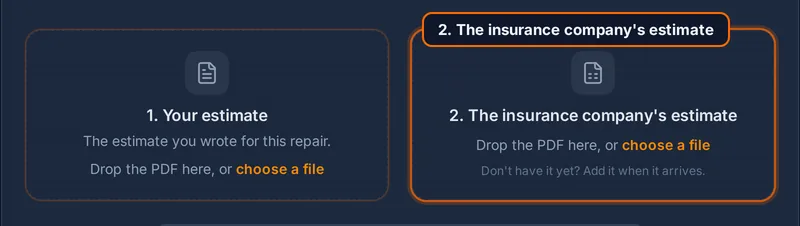
Upload the estimate
Upload the estimate you already write, as a PDF or an export from your estimating system. We work with all of the leading estimate formats, and you don't change how you write.
Scrub for missing money
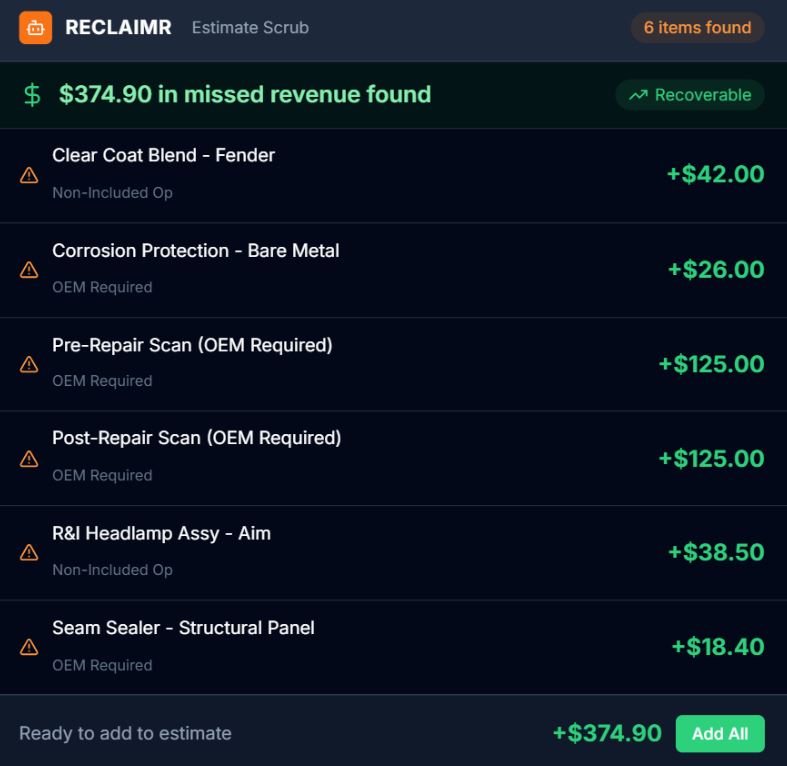
Every line gets checked against non-included operations and industry guidelines. Reclaimr flags what should be on the estimate but is not, and shows you why it belongs. Add the ones you agree with to your estimate before it goes out.
- Catches missed operations that add up fast
- You decide what goes on
Inform the customer
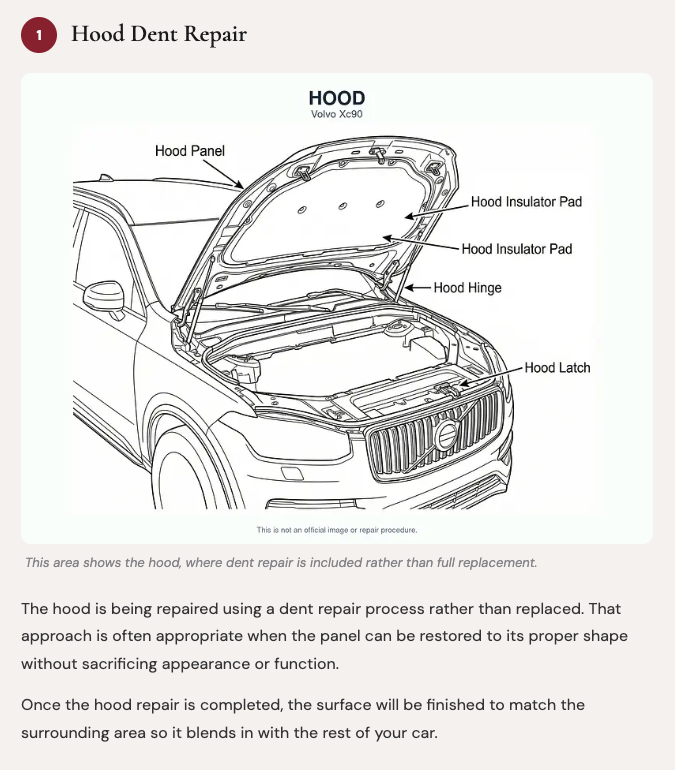
A plain-English summary of the repair goes to the vehicle owner: what is happening, why it is needed, and what the insurance company may push back on. No jargon, no estimate-speak.
- Sets expectations before the pushback starts
- Goes out when you send it
Upload their estimate
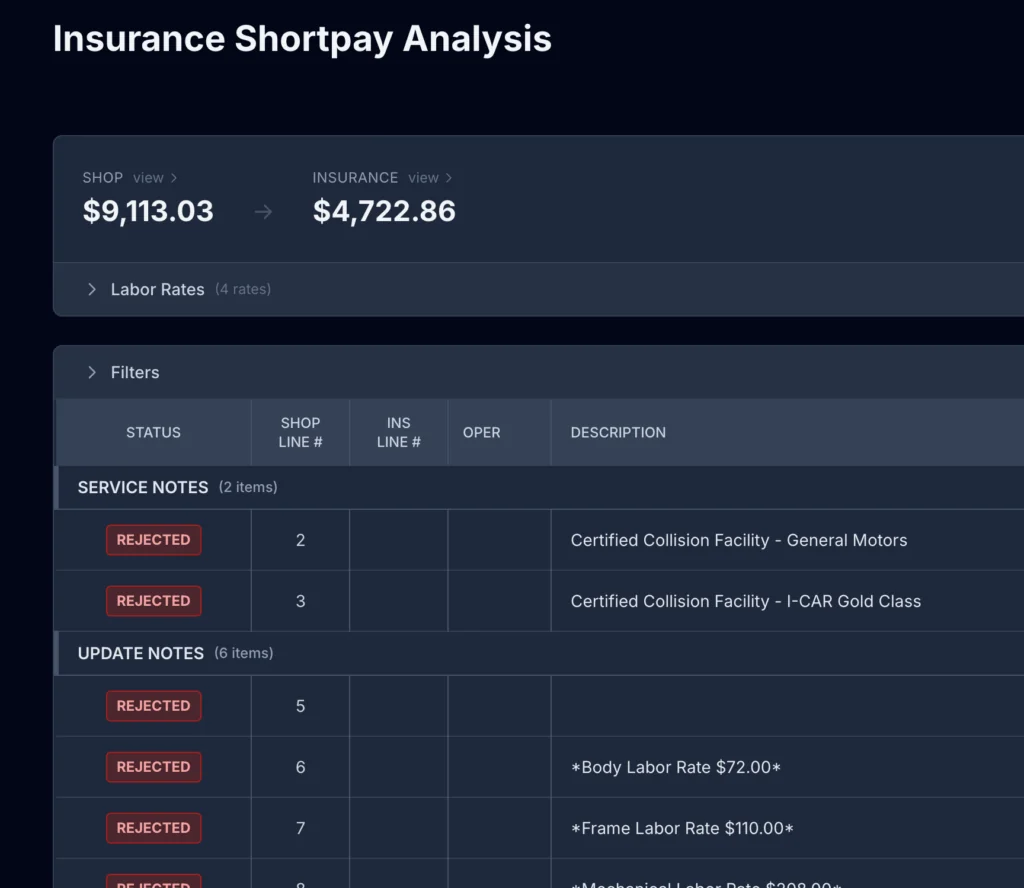
When the insurance company's estimate comes back, upload it next to yours. Reclaimr shows you exactly what was removed, reduced or changed, and categorises every cut so you know where the money went.
- Nothing hides in the fine print
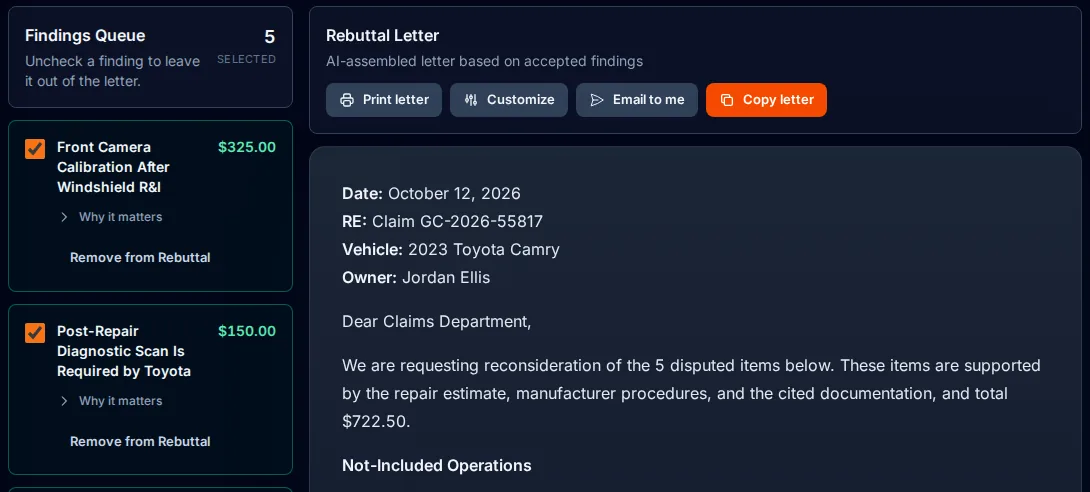
Write the rebuttal
Every disputed item gets a documented response citing the industry guidelines behind it. It also drafts the customer update explaining what happened and what comes next.
- Every disputed item gets an answer
- Cited, not asserted
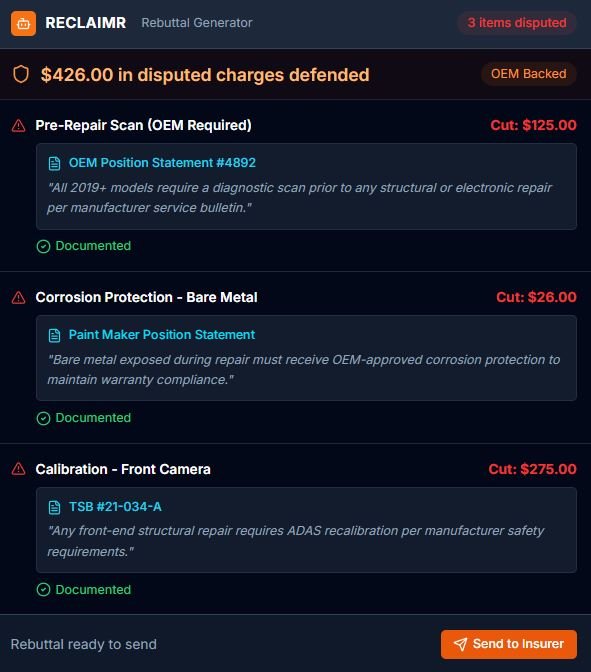
Send everything
You send the rebuttal to the insurance company and the update to the customer, when you're ready.
- You just move on to the next job
Bring us the last short pay you ate.
Thirty minutes, your own estimate, and you will see exactly what would have gone back.
Plans start at $199 a month. No contract. See pricing